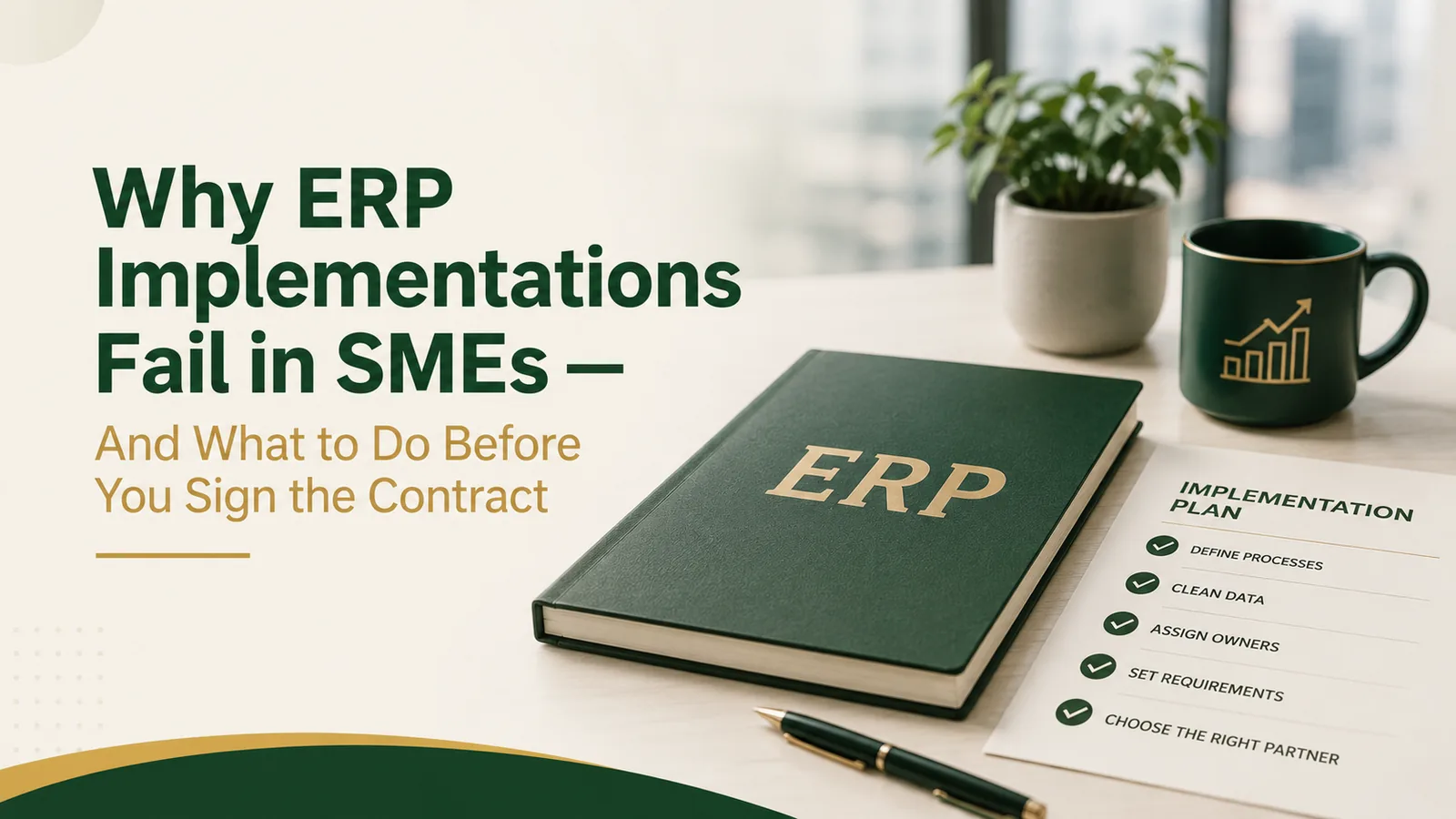
Why ERP Implementations Fail in SMEs — And What to Do Before You Sign the Contract
ERP failures in SME businesses rarely come from technical problems. They come from structural problems that the technology exposes — but cannot fix.
The ERP Promise
The pitch is always compelling: "One system. Real-time visibility. Automated reporting. Your business, under control." ERP vendors are skilled at demonstrating capability — the demo environment is always clean, the data is always consistent, and the workflows always work.
The reality of most SME ERP implementations is very different.
The Most Common ERP Failure Modes
1. Dirty Data Goes In, Dirty Data Comes Out
ERP systems don't clean up your data — they make it permanent. If your chart of accounts is poorly structured, your item master is inconsistent, or your customer/vendor database has duplicates, the ERP will faithfully replicate all of these problems at scale.
2. Processes Are Not Defined Before Configuration
ERP systems are process automation tools. You cannot automate a process that isn't defined. Most SME implementations begin configuration before anyone has documented the target state of core processes — purchase-to-pay, order-to-cash, production planning, month-end close.
3. No Process Owner Takes Accountability
Every module in an ERP requires a process owner — someone who is accountable for how that module is configured, used, and maintained. In most SME implementations, ownership is diffuse. The result: conflicting requirements, inconsistent use, and gradual process deterioration after go-live.
4. The Implementation Is Treated as an IT Project
ERP is a business transformation project that requires IT infrastructure. When the IT department leads the implementation without strong business ownership, the system gets configured to mirror how the business currently works — not how it should work.
What to Do Before You Sign the Contract
The most important work in any ERP implementation happens before a vendor is selected. Specifically:
- Document your current processes as-is
- Define your target processes — what should the workflow look like after?
- Clean and validate your master data
- Assign module process owners from the business side
- Define your reporting requirements before configuration begins
- Ensure your chart of accounts is structured for management reporting
This pre-implementation work typically takes 4–8 weeks. It feels slow. It is, in fact, the fastest path to a successful implementation — because it prevents the rework, scope creep, and go-live delays that make ERP projects run twice as long and cost twice as much.
Let's Diagnose Your Business
In one session, we identify your most critical constraint and show you what unlocking it would mean for your numbers.